Open EML and MSG files from document providers, AirDrop, mail apps, and cloud storage.
Marketing page
Open email files your iPhone cannot read cleanly.
EML & MSG Viewer helps you inspect saved email files, preserve records, and move attachments into the apps and folders you already use.
Core workflows
A focused set of tools for saved email files, without mailbox sync, cloud ingestion, or account setup.
See subject, sender, recipients, dates, headers, source, and body content in one viewer.
List extracted attachments and hand them to Quick Look, Files, or the iOS share sheet.
Export a readable PDF with metadata and attachment inventory for case files, tickets, and archives.
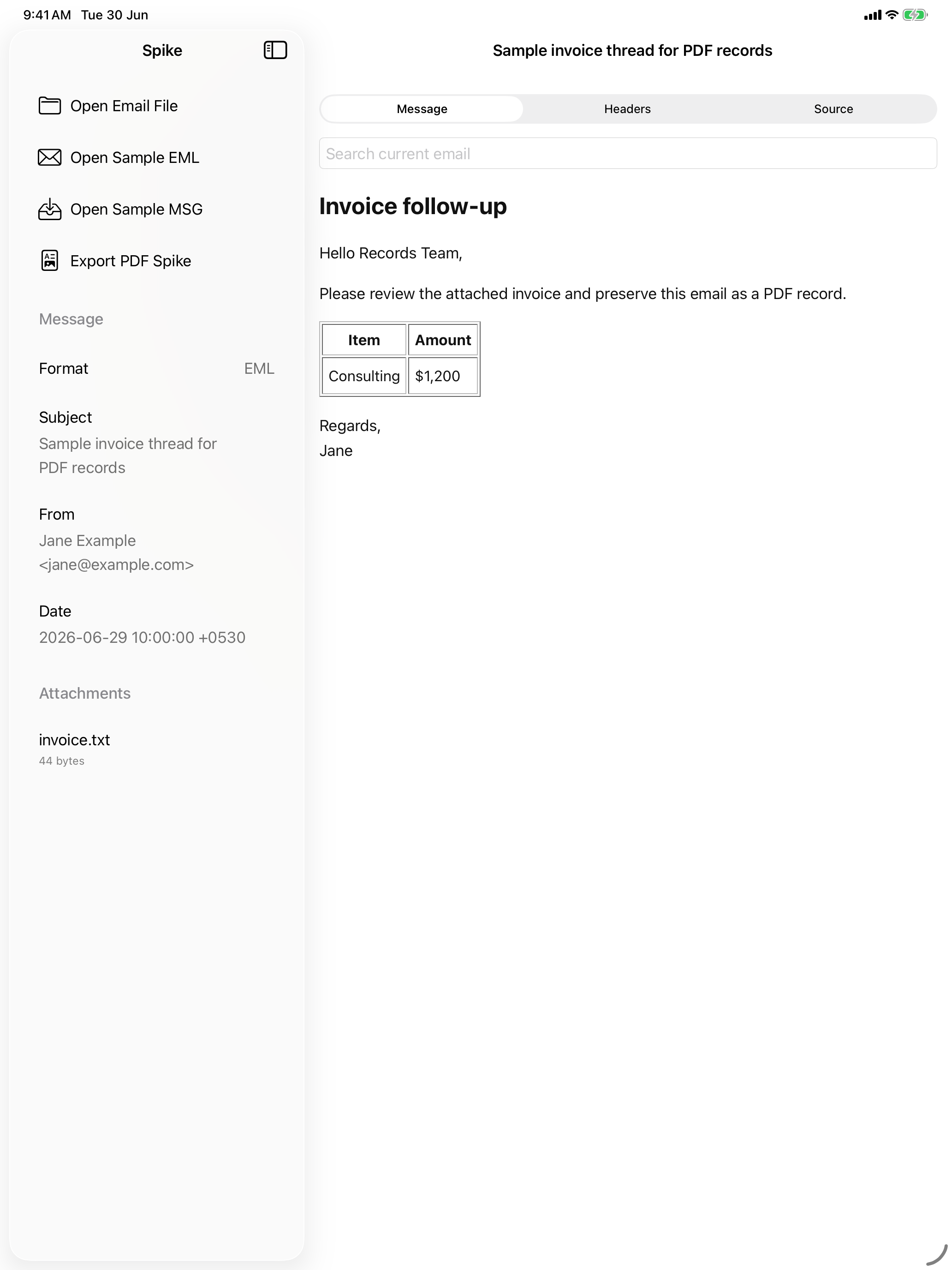
For records, operations, support, and archive work
The app is intended for users who receive individual email files and need to review or preserve them quickly.
- Operations teams opening vendor, ticketing, and SharePoint exports.
- Legal and compliance users preserving correspondence as PDFs.
- IT support teams helping people open legacy Outlook MSG files.
- iPad users who need a broader review surface than a phone-only viewer.
Launch positioning
Use the concise language below across screenshots, App Store metadata, and support copy.