Read email files from Mail, Gmail, Files, AirDrop, iCloud Drive, and other document providers.
iPhone and iPad email file utility
EML & MSG Viewer
Open saved EML and Outlook MSG files, review message details, extract attachments, and export clean PDF records without uploading private email content.
Free to download. PDF export is the one Pro unlock. Privacy policy
Guides: open an .eml file, open an Outlook .msg file, open a winmail.dat attachment.
Built for saved email files
EML & MSG Viewer is a narrow, practical tool for people who receive archived email files from clients, vendors, cases, tickets, exports, cloud drives, and old Outlook folders.
View common saved Outlook message files on iPhone and iPad without needing Outlook.
Create PDFs with message metadata and attachment inventory for records and handoffs.
Preview, share, and save email attachments using native iOS document tools.
Review emails without turning your phone into an archive system
The app is designed for the single job that matters during a handoff: open the file, inspect the message, export or share what you need, then move on.
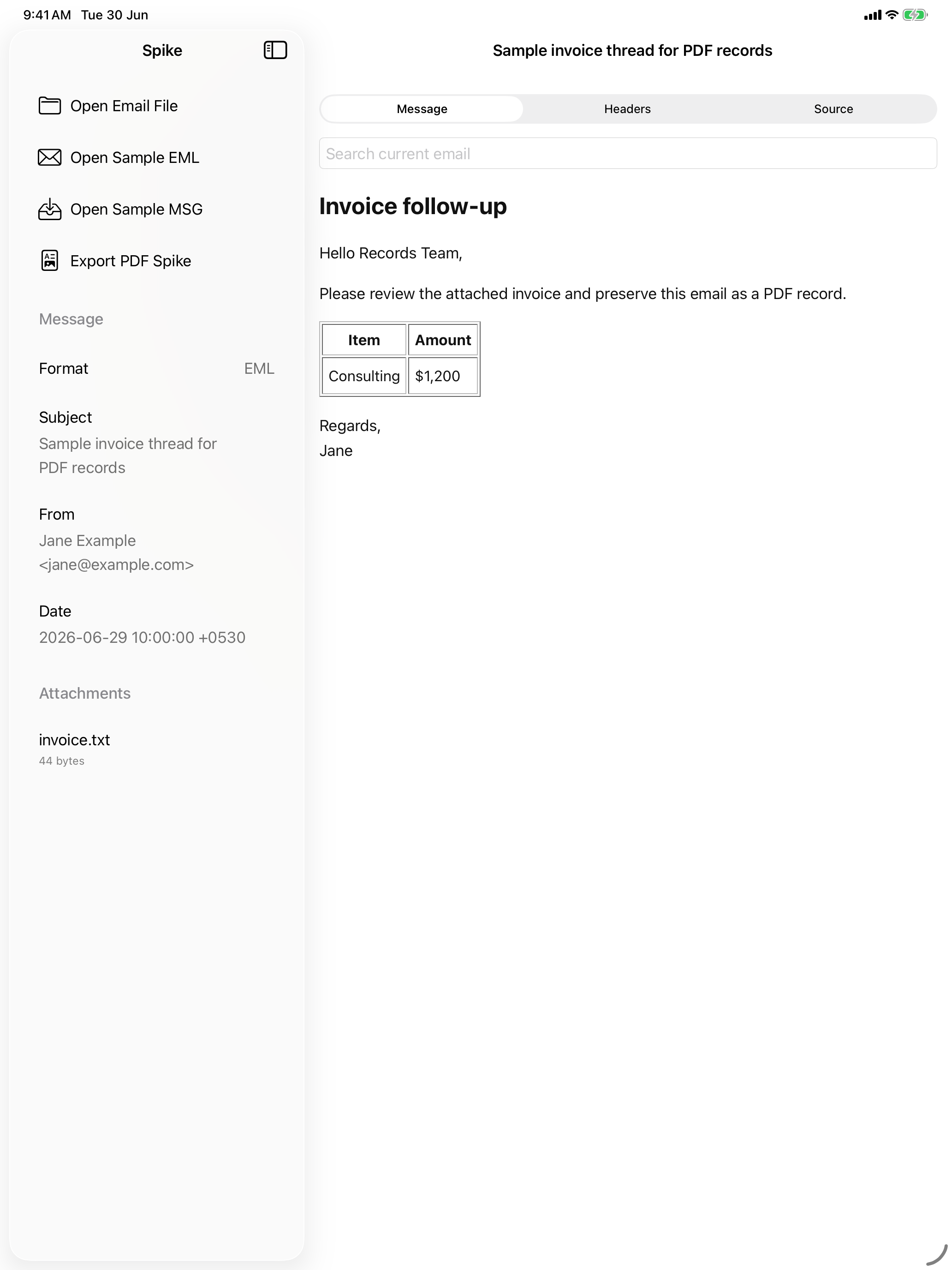
- Search inside the current email.
- Switch between message, headers, and source views.
- Use a true iPad split layout for review work.
- Choose local-only rendering when remote email resources should stay blocked.
Private by design, specific about remote content
Your email files are parsed on device. The developer does not receive your email file contents, attachments, headers, contacts, or message text. If an HTML email contains remote images or resources and remote content is enabled, the email's own servers may receive those requests.
There is no app account system required to open files.
The app is not built around advertising identifiers or behavioral analytics.
Remote content can be turned off for fully local viewing and PDF export.
App Store links
Use these pages for App Store Connect metadata after the site is deployed over HTTPS.